2026 edition · 1 Claude Skill
The Commercial Market Intel Brief with Claude 2026
One Claude Skill that assembles a sourced, seven-section commercial real estate brief for the markets, sectors and role you configure.
Free · Email & role for access
Last updated November 9, 2026
Package verified
Package contents
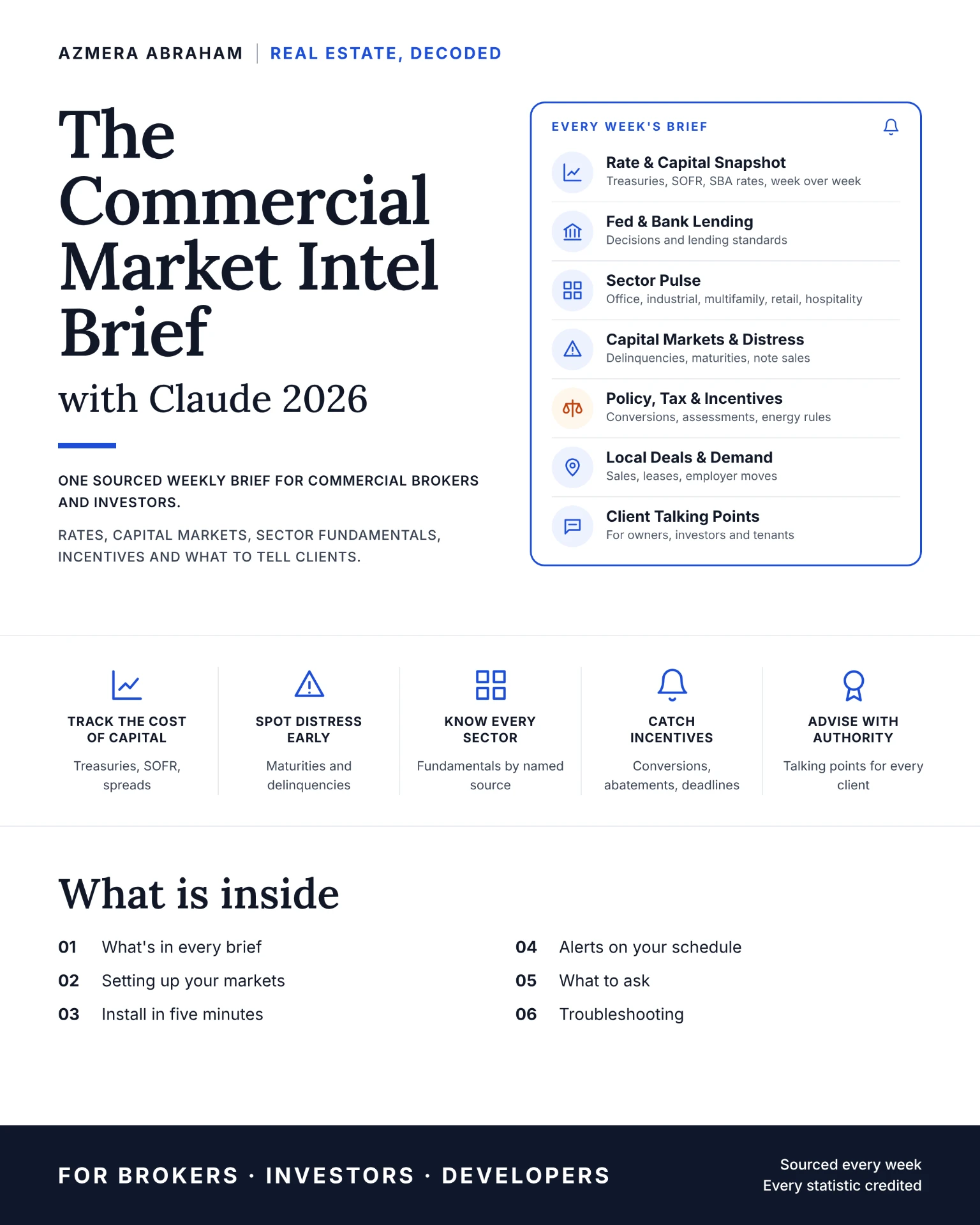
One skill, seven brief sections
Skill names and scope below match the verified package files.
- 01
Commercial Market Intel Brief
Researches recent public sources and organizes them into a dated, linked brief you start and review in Claude.
The seven brief sections
- 01
Rate & Capital Snapshot
Treasuries, SOFR and SBA rates, with week-over-week change where sources publish it.
- 02
Fed & Bank Lending
Federal Reserve communications and bank lending conditions relevant to commercial credit.
- 03
Sector Pulse
Office, industrial, multifamily, retail and hospitality developments for the sectors you select.
- 04
Capital Markets & Distress
Delinquencies, loan maturities and note sales reported by named sources.
- 05
Policy, Tax & Incentives
Policy, tax and incentive changes that may affect commercial property.
- 06
Local Deals & Demand
Reported local transactions, leasing and demand signals in your configured markets.
- 07
Client Talking Points
Draft discussion points tied back to the cited items, for your review before use.
What you configure
- Markets
- Sectors
- Your role
- Optional extras
- 7-day lookback
- 14-day forward calendar
Each run covers news from the past seven days and scheduled events in the next fourteen. Every item should carry its source, publication date and link so you can verify it.
Installation & first use
- Download the ZIP package and read its included instructions before installing anything.
- Check whether your Claude account and workspace support custom Skills. Availability and settings vary by account; follow Claude’s current instructions.
- Use Claude’s supported Skills upload process for the provided skill archives. If the package contains multiple skills, install them individually as directed by the included guide.
- Start a conversation with a specific request for the skill. Test with a fictional or redacted example, then check every source and output before using it.
- Schedules are optional only if your account supports tasks and the relevant workflow. Configure and test them yourself; installing a Skill does not automatically create alerts.
Professional safeguards
The brief summarizes public sources; it is not financial, investment, lending, tax or legal advice. Rates, program terms and figures change — check each item’s date and open its link before relying on or sharing it. Items without a verifiable source should be removed.
The guide describes optional recurring runs inside Claude where your account supports scheduled tasks. You set those up yourself; installing the Skill does not create updates, and this website sends no alerts.
These are workflow aids, not validated outcome claims. No performance, savings, eligibility or availability is guaranteed.